Airplane information pane and track
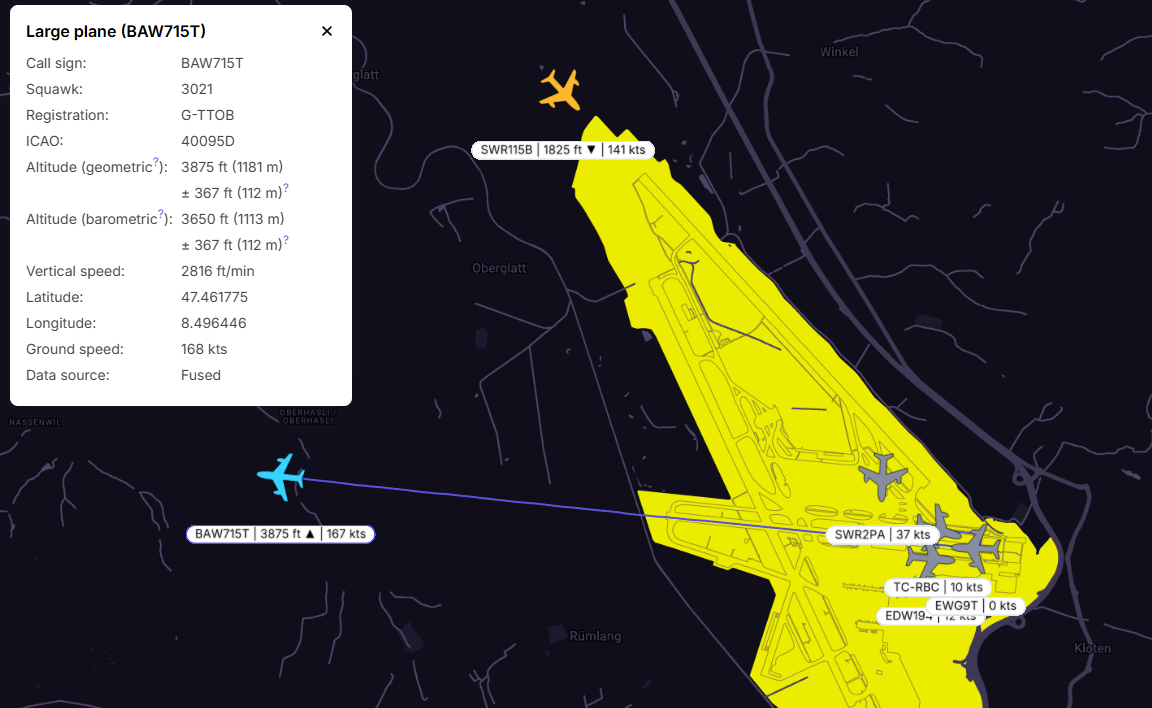
Clicking on the airplane symbol on the map will trigger a pane to open. The selected aircraft will be marked in light blue, and detailed information will be displayed. The last 10 minutes of the chosen flight path will be shown on the map.
In the information window, the geometric and barometric altitudes are presented along with their accuracies. If the accuracy exceeds +/- 200m, it will appear in red.
Another example that includes a helicopter:
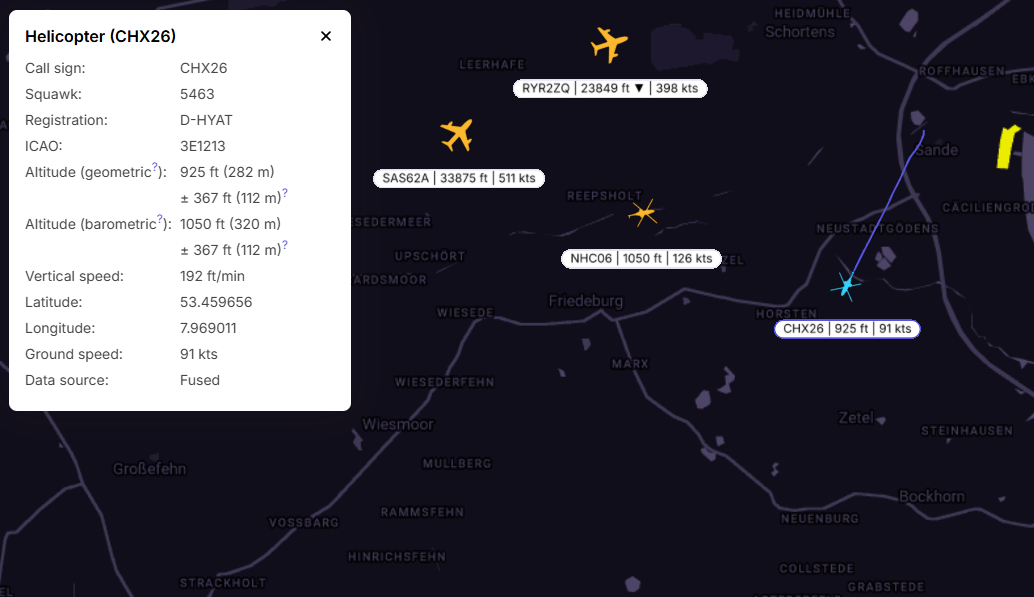
Identification:
| The airplane identification codes - call sign, ICAO code, squawk, or other available |
Altitude (geometric) and accuracy | Altitude above the WGS84 ellipsoid, in feet and meters. For ADS-B it has a step of 25ft (or about 7.5m), plus accuracy reported by the GNSS receiver. |
Altitude (barometric) and accuracy | Altitude above mean sea Level (AMSL) based on an uncorrected barometric pressure in feet and meters, plus accuracy given by the sensor. |
Vertical speed | Ascent or descent speed in feet per minute |
Latitude and Longitude | Position of the plane |
| Ground speed | Speed relative to the ground in knots |
Data source | Shows the source of data. Possibilities are ADS-B/FLARM/UAT/MLAT/Fused. |